 Sivitas
Teaching & learning
QA survey
Design teaching-evaluation questionnaires from templates, assign them to course classes, collect student responses and analyse results.
SidebarQA Survey
Super AdministratorStudent
QA Survey is the course and teaching evaluation tool. Students see one entry, administrators another.
Administrators
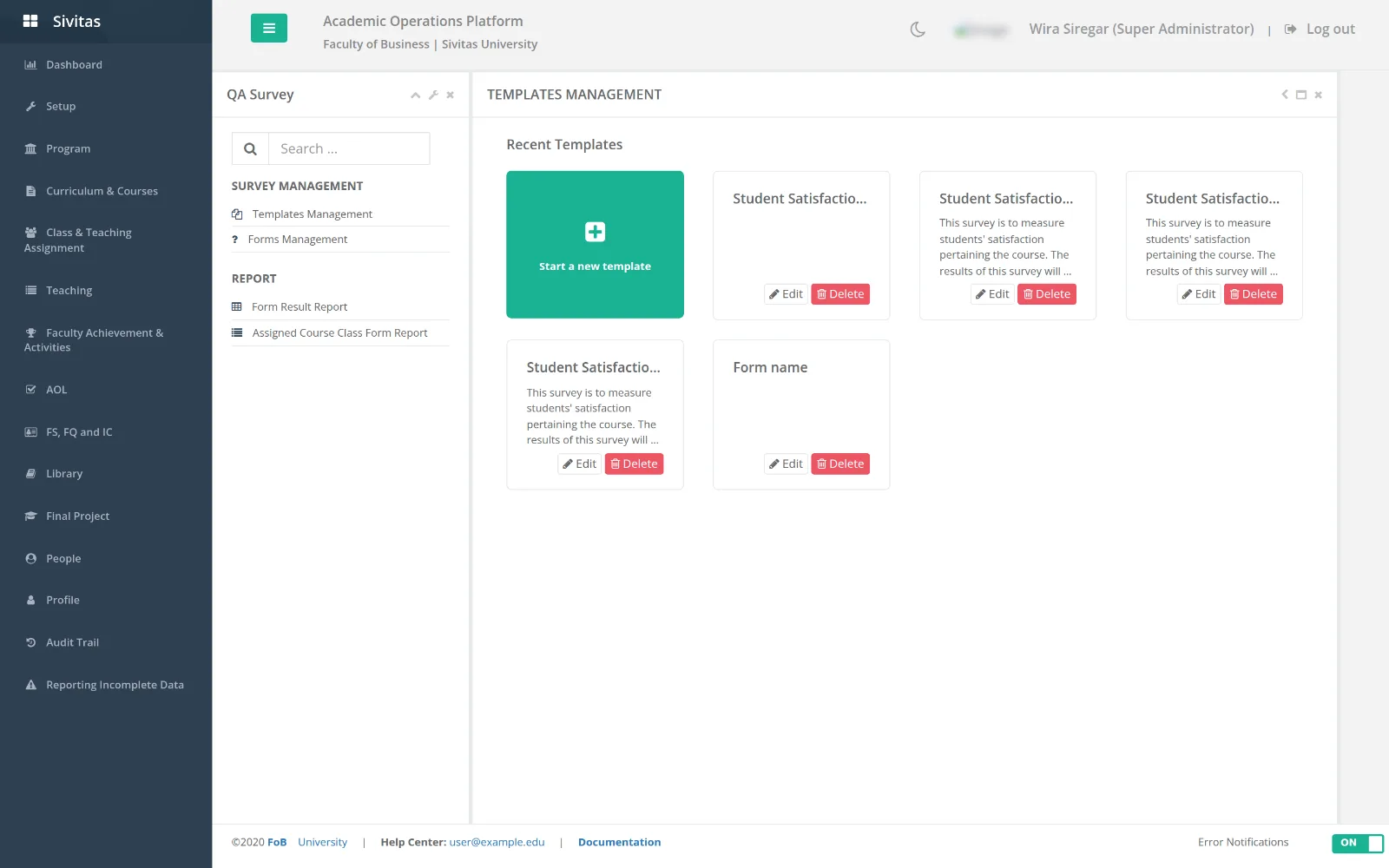
- Templates management. Reusable question sets. A template holds sections and questions (scale, multiple choice, free text) and can tag questions as curriculum, learning-objective or teaching-evaluation questions so results are split accordingly.
- Forms management. A form is a template applied to a term with an open and close date. Assigned course class form decides which classes receive which form; assign by program, by course or individually using the dual-list picker.
- Form info shows completion rates per class while the form is open.
- Form result report. Aggregated results by program, course and lecturer with charts, and drill-down to a single class. Learning-objective questions feed the indirect assessment in Assurance of Learning.
Students
QA Survey lists Blank survey forms for classes you are enrolled in and Completed survey forms. Open a form, answer, and submit. Responses are anonymous to lecturers; lecturers see aggregated results only after the form closes.
Lecturers
Results for your classes appear under QA Survey Result in the Teaching console once the form closes.
Running a survey each term
- Copy last term's form (or create one from a template) and set the dates, typically the last two teaching weeks.
- Assign it to all classes of the term with the program filter.
- Monitor completion in Form info and remind classes with low response.
- After the close date, publish results to lecturers and export the report for the quality office.