 Sivitas
Programs & course offering
Manage degrees, study programs, curricula and the course catalog, then open each term's course classes.
The Program module is where the academic structure lives and where each semester's classes are opened. Class & Teaching Assignment reuses several of these screens for the scheduling workflow.
Degrees, study programs and programs
- Degree List shows degree levels.
- Study Program (branch) List holds the study programs and their concentrations or branches.
- Program List opens a program's detail: its curricula, course list and branches.
Curriculum
- Open a program and choose Curriculum › Add (or Copy to start from an existing curriculum, including its outcome mapping).
- Enter the curriculum name, the year it takes effect and its status.
- Attach courses term by term with their credits, type (compulsory or elective) and prerequisites.
Competency goals, learning objectives and their mapping to courses are edited in Curriculum & syllabus.
Course list
Course List under a program adds and edits courses: code, name, credits, description, coordinator and the syllabus template it follows. A course belongs to a curriculum; the same code can exist in several curricula with different content.
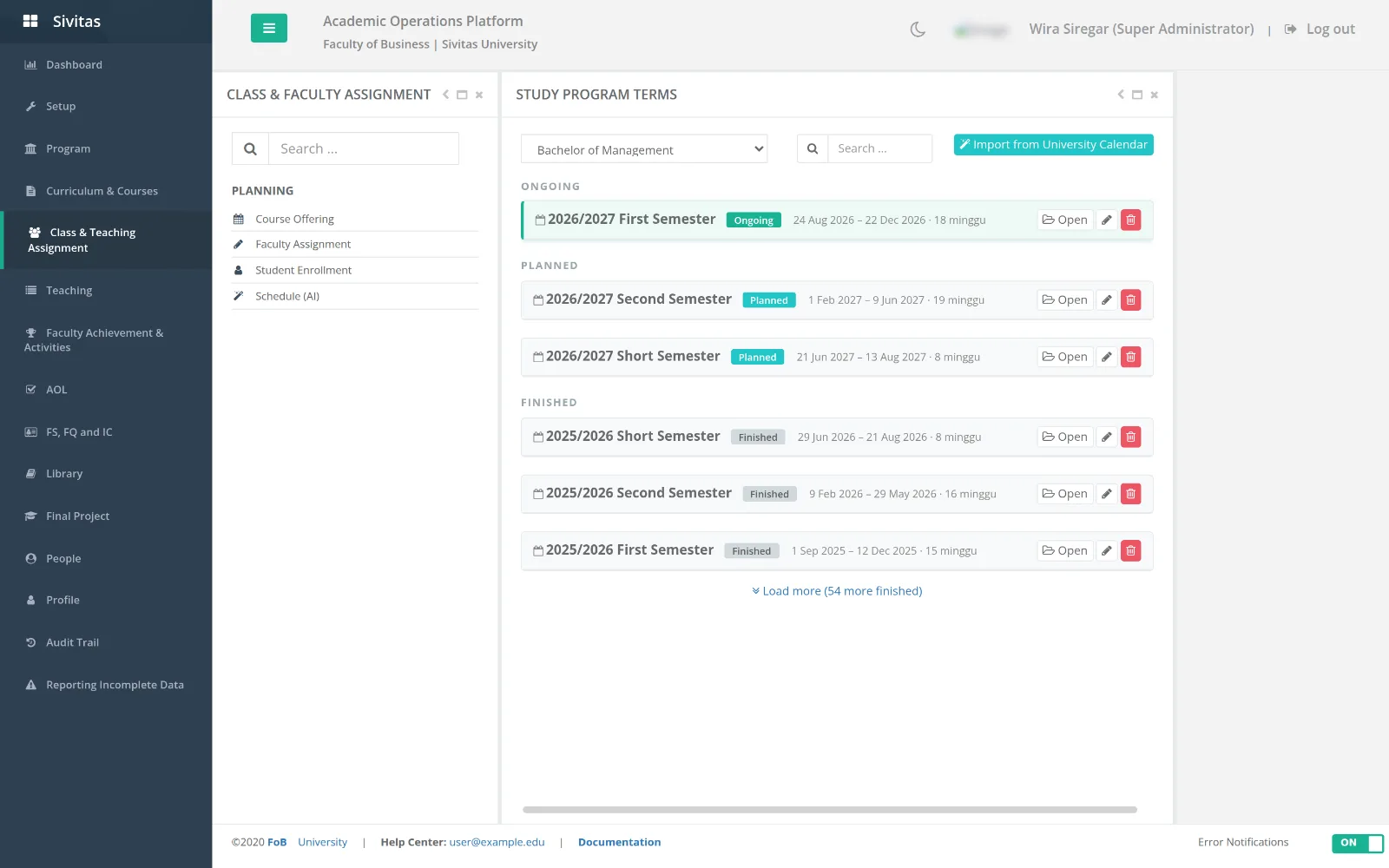
Opening a term (course offering)
- Choose Terms and select the academic year and semester.
- Click Duplicate previous semester to copy last year's equivalent term, or add classes one by one with Add class.
- For each course class set the class name, planned capacity, campus and language.
- Add tutorial or lab sub-classes under a main class where the course has them.
- When the offering is final, Lock the semester. Locked terms cannot be edited by program staff; a Super Administrator can unlock.
Duplicate first, then edit. It carries class names, capacities and coordinators, so a term that is 90 percent the same as last year takes minutes.
Faculty assignment, scheduling and enrollment
These three steps have their own pages: Faculty assignment, AI scheduling (or manual Scheduling entry per term) and Student enrollment.
Syllabus approval
Syllabus Approval lists syllabi submitted by lecturers for the selected term. Open one to review General Info, Course Plan, Grading Policy, References and Improvement Plan feedback, then Approve or return it with comments. See Curriculum & syllabus.
Reports
- Faculty Session Report. Sessions delivered per lecturer and class, with Get Recapitulation and Download Report.
- Course Plan Report. Which classes have a complete plan.
- Grading & Portfolio Report. Grading completion and portfolio status per class.
Decision letter for teaching
Each semester's official teaching-assignment decree is recorded against the academic year with its letter number. Faculty assignment exports and honorarium decrees reference this number.