 Sivitas
Reference library
A shared, searchable library of citations in 15 source types, reused across syllabi and course classes.
The library is a bibliographic catalogue, not a lending system. Entries are formatted in APA style and can be attached to any syllabus or course class, so a textbook used in six courses is entered once.
Browse
Filter by keyword, source type, sort order and whether a file is attached. Open an entry to see the full citation, abstract and attachments.
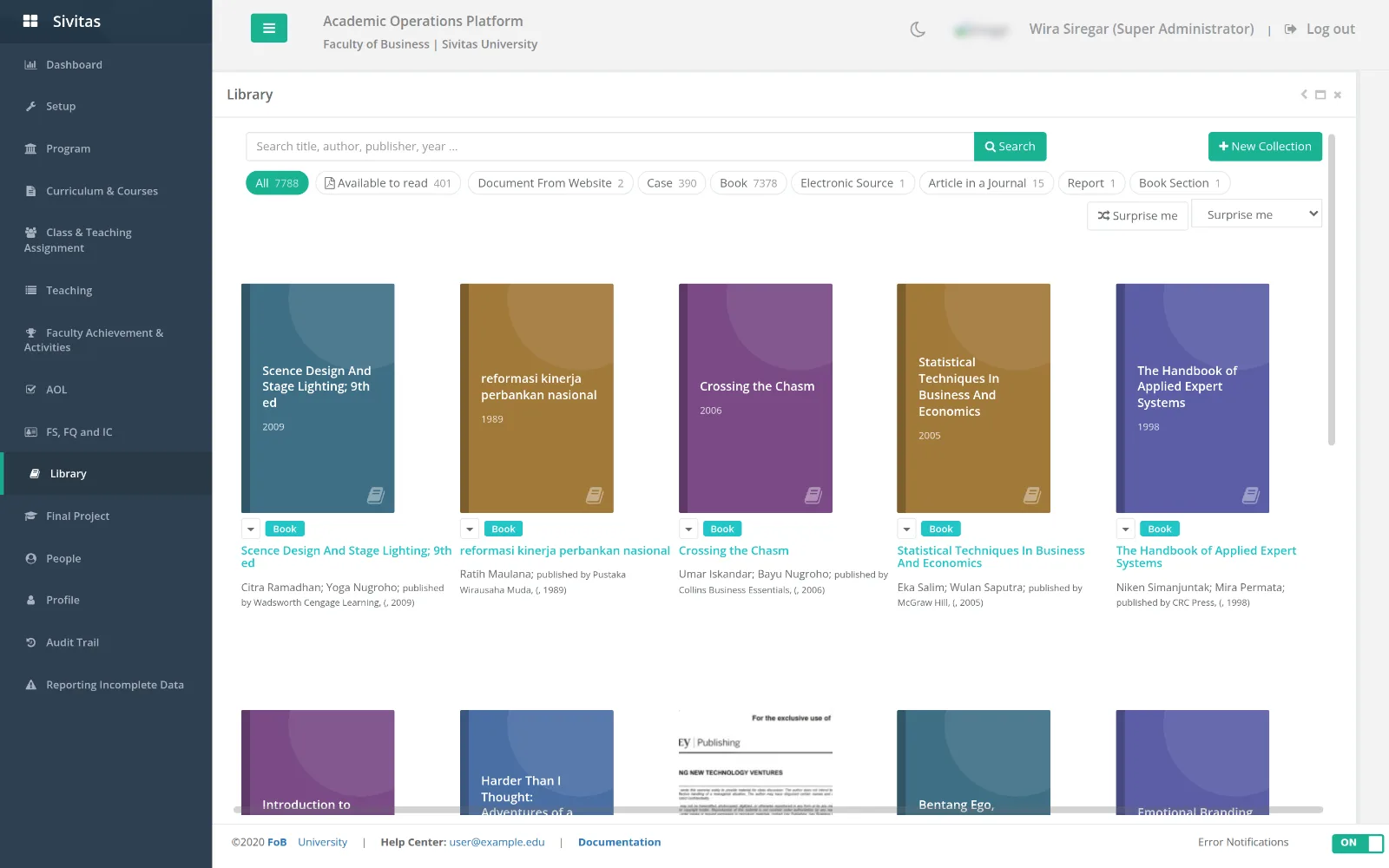
Add an entry
- Click Add and choose the source type: Book, Book Section, Journal Article, Conference Proceedings, Report, Website, Website Document, Electronic Source, Art, Sound Recording, Performance, Film, Interview, Patent, Case or Miscellaneous.
- Fill the form. Fields change with the type; required fields are marked.
- Optionally attach a file (for example an open-access PDF or a case handout).
- Save. The entry is immediately available in every syllabus reference picker.
Use in a syllabus or class
In the References tab of a syllabus or course class, click Add from library, search, and select. To create a new entry from there, choose New reference; the same type forms open in place and the entry is saved to the library as well.
Editing and duplicates
Anyone can propose an edit to an entry; changes apply everywhere the entry is used. Before adding, search by title to avoid duplicates. Administrators can merge duplicates from the list.